Can I Submit IGNOU Solved Assignment Directly? (Complete Student Guide)
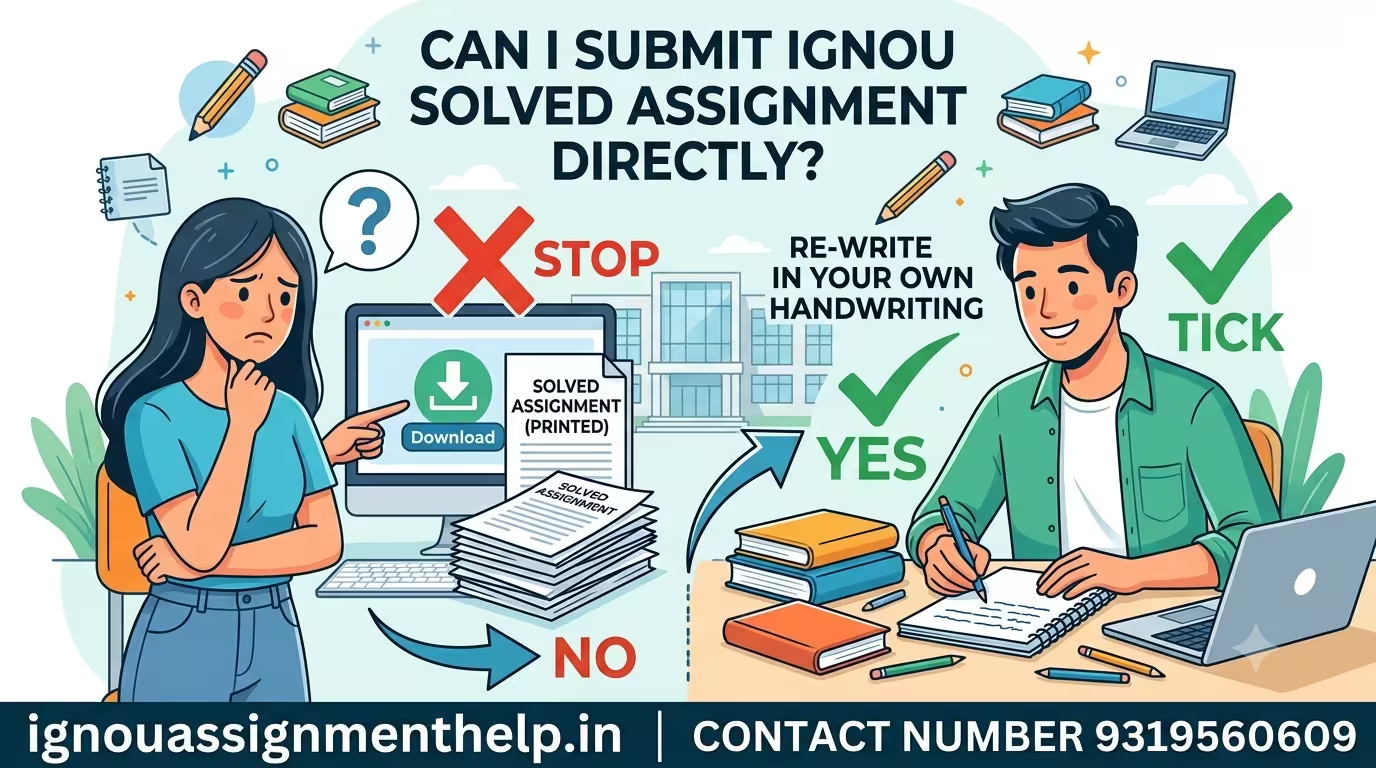
No, you cannot submit a downloaded, purchased, or printed IGNOU solved assignment directly to your Study Centre or online portal. Indira Gandhi National Open University (IGNOU) strictly requires all assignment answers to be handwritten by the student on paper. Submitting typed sheets, computer printouts, or exact printed PDFs will lead to immediate rejection or zero marks.
Why Direct Submission Is Not Allowed
When you download or buy an IGNOU solved assignment PDF, it is meant to serve as a reference guide or study material, not a final submission file.
Submitting a bought PDF or printed solution directly causes severe evaluation issues:
-
Strict Policy Against Printed/Typed Copies: IGNOU guidelines clearly mandate that assignments must be handwritten. Evaluators automatically reject typed documents.
-
Plagiarism and Duplicate Content: Solved assignments sold online are downloaded by thousands of students. If evaluators spot identical word-for-word answers across multiple submissions, all involved copies can be flagged for copying and awarded zero marks.
-
Handwriting Verification: IGNOU evaluators occasionally cross-check assignment handwriting with term-end exam answer scripts to ensure authenticity.
IGNOU Assignment Guidelines: What’s Allowed vs. Disallowed
| Feature | Allowed Practices ✅ | Disallowed Practices ❌ |
| Writing Format | Written in your own handwriting | Computer printouts or typed PDFs |
| Paper Type | A4 size ruled or unruled sheets | Practical sheets, printed spiral booklets |
| Ink Color | Blue or Black pen only | Red, green, or decorative metallic inks |
| Use of Solved PDFs | Used as a reference to write in your own words | Directly printing and submitting the PDF |
| Submission Mode | Physical copy at Study Centre or scanned handwritten PDF online | Unscanned digital text files or raw downloaded files |
Submit IGNOU Solved Assignment
Our Services
How to Properly Use IGNOU Solved Assignments
While you cannot submit the solved file directly, you can easily use it to prepare high-scoring handwritten assignments by following these steps:
-
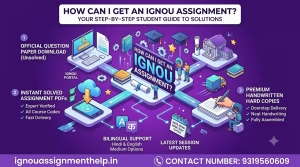
Download the Official Question Paper: Visit the official IGNOU portal and download the exact question paper for your current admission session/cycle.
-
Read and Paraphrase: Read the answer from your solved assignment PDF or study guide. Understand the core concept and rephrase key points in your own words instead of copying sentence-for-sentence.
-
Write Clearly on A4 Sheets: Use neat, legible handwriting on A4 pages. Leave a clear left margin (around 4 cm) for evaluator comments and marks.
-
Maintain Word Limits: Follow the word count specified in your question booklet (e.g., 100 words, 250 words, or 500 words) to avoid losing marks.
Document Assembly Checklist Before Submission
Before handing in your completed assignment bundle, arrange your pages in this exact order:
-
Cover Page / Front Page: Includes your Name, Enrollment Number, Program Code, Course Code, Course Title, Study Centre Code, Phone Number, and Signature.
-
IGNOU Student ID Card: A clear printed copy of your official student identity card.
-
Official Question Paper: The printed assignment question sheet downloaded from the university portal.
-
Handwritten Answer Pages: Properly numbered handwritten sheets tied together securely with thread or a paper binder.
How to Submit IGNOU Solved Assignment
Depending on your Regional Centre’s instructions, you can submit your handwritten work through offline or online modes:
-
Offline Submission (Most Common): Visit your assigned IGNOU Study Centre on or before the due date. Hand over the physical handwritten assignment bundle to the assignment coordinator and always collect a signed and stamped acknowledgement receipt.
-
Online Submission (If Allowed): Scan your handwritten pages clearly using a document scanner app into a single PDF file per course code. Name the file in the required format (e.g.,
EnrollmentNumber_CourseCode.pdf) and upload it via the official form or portal link provided by your Regional Centre.